
How to Connect and Use Resources on NRP

The National Research Platform (NRP) is a distributed Kubernetes-based cyberinfrastructure that provides access to computing resources like GPUs, FPGAs, and large-scale data storage. This page walks through the steps to authenticate, join a namespace, and deploy your first workload.

Overview

The National Research Platform (NRP) connects researchers and educators to heterogeneous, nationally distributed computing resources. Interaction with the platform is primarily handled via the Nautilus cluster:

  • Web Portal — user-facing UI: authentication, dashboard, web-based tools like Coder and JupyterHub, and namespace management
  • Command Line — developer-facing interface: Kubernetes CLI (kubectl) for advanced job scheduling, pod execution, and resource scaling

Both interfaces are managed through the NRP Nautilus Portal.

Platform Concepts

Every deployment on the NRP requires an understanding of how resources are allocated. While the goal is to accelerate your research, your interaction with the platform is framed around namespaces and containerized workloads.

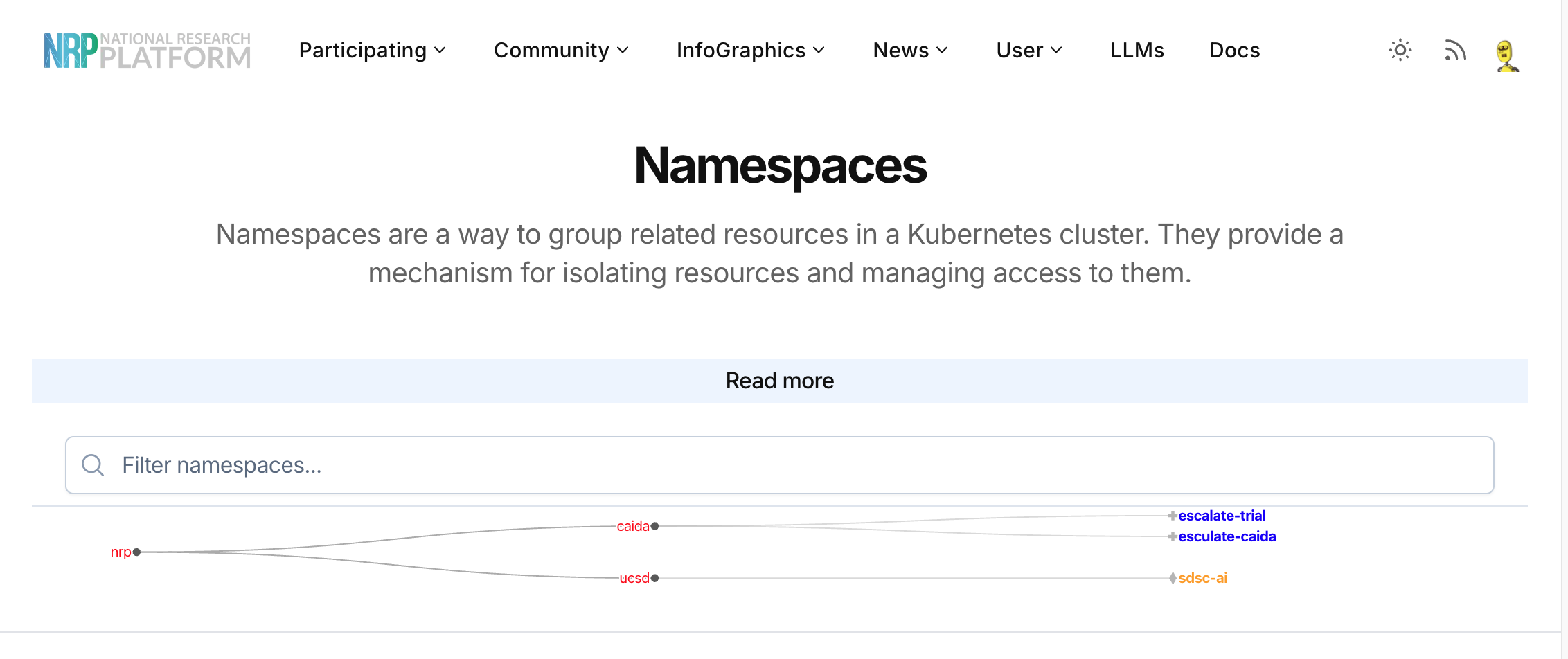
Namespaces are virtual clusters backed by physical hardware within the NRP. You must be an approved member of a namespace to deploy any pods, access persistent storage, or utilize GPUs.

Example Deployment

  • Goal: Run a machine learning model training script requiring GPU acceleration.
  • Prerequisites: A Docker image containing your dependencies (e.g., PyTorch) hosted on a registry (like Docker Hub or GitLab).
  • Compute Requirements:
    • 1x NVIDIA A100 GPU
    • 16GB RAM
    • 8 CPU cores
  • Deployment Strategy:
    • Write a pod.yaml file defining the container image and resource requests.
    • Run kubectl create -f pod.yaml in your assigned namespace.
  • Result: The Nautilus scheduler finds an available A100 GPU across the national cluster, pulls your container, and executes the training job.

Prerequisites

  • Institutional credentials supported by CILogon (or a Google account)
  • Basic knowledge of containerization (Docker) and Kubernetes (kubectl)
  • An SSH client and terminal emulator
  • Optional: Membership in a specific research group or lab actively using NRP

Step 1: Authenticate to the Portal

  1. Navigate to the Nautilus Portal.
  2. Click Login in the top right corner.
  3. Authenticate using CILogon. Select your university or institution from the dropdown, or use Google/GitHub if your institution is not listed.
  4. Accept the Acceptable Use Policy (AUP).
  5. Upon successful login, you are registered as a Guest user.

Step 2: Acquire Namespace Access

  1. Go to the Namespaces tab in the portal.
  2. If you are joining an existing project, search for your lab’s namespace and click Request Access.
    • The namespace administrator will need to approve your request.
  3. If you are a Principal Investigator (PI) or need a new environment, request a new namespace by contacting the admins via the NRP Matrix chat.
  4. Verify that your account has User or Admin privileges within the target namespace.

Step 3: Configure Local CLI Access

Required if you plan to deploy complex jobs or manage storage via the command line; otherwise, you can skip to Step 4 for web-based tools.

  1. Download and install the kubectl binary for your operating system.
  2. In the Nautilus Portal, click on your profile/username in the top right and select Get Config.
  3. Save the downloaded file to your local machine:
    • Linux/macOS: ~/.kube/config
    • Windows: %USERPROFILE%\.kube\config
  4. Test your connection by running kubectl get pods -n <your-namespace-name> in your terminal.

Step 4: Deploy Your Workload

  1. Web-based IDEs (Coder):
    • Navigate to the Coder integration in the portal.
    • Provision a VS Code environment directly in your browser, selecting your required CPUs, RAM, and GPUs.
  2. JupyterHub:
    • Access the hosted NRP JupyterHub.
    • Select your container image, define your hardware requirements, and launch a notebook.
  3. Command-Line Deployments:
    • Create your deployment manifests (e.g., deployment.yaml, pvc.yaml for storage).
    • Apply them to the cluster: kubectl apply -f deployment.yaml -n <your-namespace>.
    • Monitor your job’s progress: kubectl logs -f <pod-name> -n <your-namespace>.